DualSense compatibility: what to check before connecting
Pairing support and individual game features need separate checks.
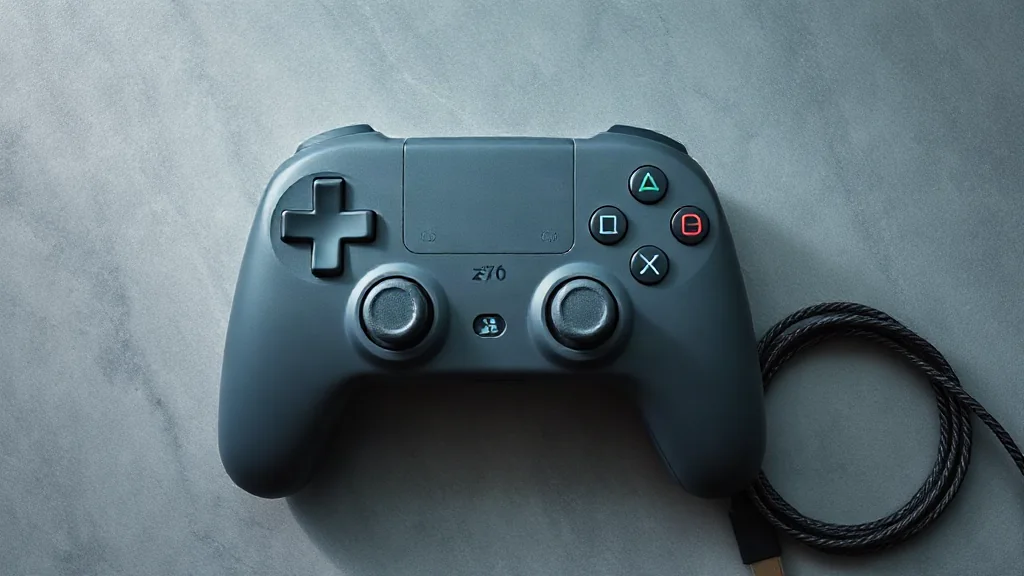
DualSense pairs with supported devices through Bluetooth or USB. Start by checking support for the device you intend to use, then consider the features you want from the individual game. A successful connection is one part of compatibility; it does not establish that every controller feature will work.
On PC, haptic feedback requires USB in supported games. If that feature matters to your setup, plan for a wired connection and confirm that the game supports it. Bluetooth pairing alone does not satisfy that stated requirement.
Keep the decision practical: identify your device, check the game’s feature information and choose the connection accordingly. Because individual game features vary, avoid treating one title’s DualSense support as a promise about another. This approach helps you assess compatibility before arranging your playing space.
Browse PC controllers on Amazon UK